
Send Your Digital
Case to Solitaire
Smile Dental Lab

For a seamless experience, follow the steps below to connect your intra-oral scanner.
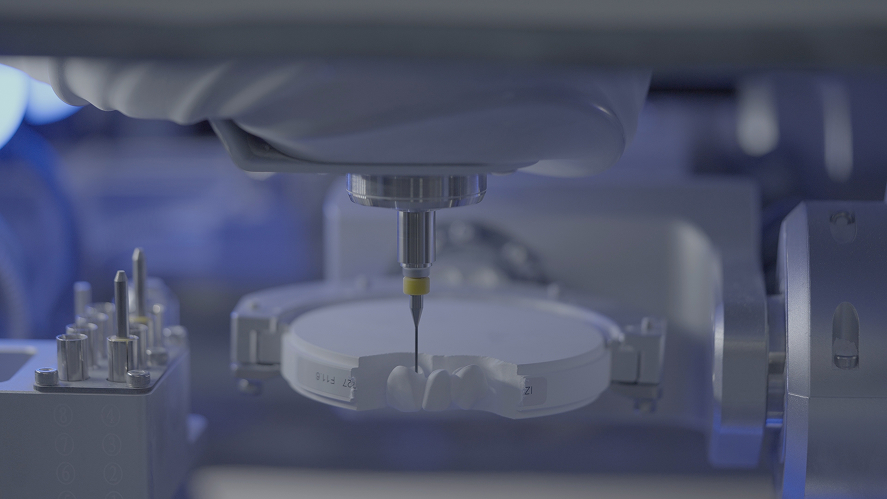
Dental Machine

STEP-1

Select Your Scanner Brand

STEP-2

Follow Instructions for Your Scanner

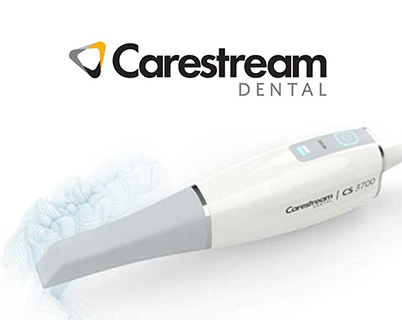
Carestream Scanner

1. On your scanner or software, go to Send Case or Lab Selection.

2. Search by:

Lab Name: Solitaire Smile Dental Lab
Cerec Scanner (Sirona Connect / DS Core)
  1. Log into your software portal (e.g., Sirona Connect or DS Core).
  2. Navigate to "My Account" → "My Favourite Laboratories".
  3. Click "Add Lab" or "Search for Lab".
  4. Enter:
    • Lab Name: Solitaire Smile Dental Lab
    • Or use our provided lab email/ID if prompted.
  5. Add us as a Favourite/Partner Lab.
Heron / 3DiscClinic Scanner
  1. In your scanner software, select Send to Lab or Partner Search.
  2. Search using:
    • Lab Name: Solitaire Smile Dental Lab
    • Email: deepa@solitairesmile.com
iTero Scanner
  1. On your iTero scanner or My iTero web portal, select "Find a Laboratory".
  2. Enter our iTero Lab Code: 139028
    • Alternatively, search for: Solitaire Smile Dental Lab
  3. Select our lab to connect.
Medit Scanner
  1. Open your Medit software and go to Partners or Lab Connections
  2. Select "Add New Partner" or "Connect a Lab".
  3. In the search box, enter:
    • Lab Name: Solitaire Smile Dental Lab
    • Or use email: cs@solitairesmile.com
Planmeca Scanner
  1. In the Planmeca scanner software, go to Lab Selection.
  2. Search by:
    • Lab Name: Solitaire Smile Dental Lab
Trios (3Shape) Scanner
  1. On your TRIOS workstation or UNITE software, go to "Connections" or "Lab Connections".
  2. Click "Configure" -> "Add New Connection" or "Add Partner Lab".
  3. Search for:
    • Lab Name: Solitaire Smile Dental Lab
    • Or use email: 3shape@solitairesmile.com
Refer a FriendStart sharing with your friends

If you think a friend of yours would be interested in this link then send to them. Don’t miss the chance to share in the biggest giveaway of this year.